Smart home integration
One home. All your devices. Working together.
We plan, install and connect smart home technology around your routine, your budget and the way you prefer to control your home.
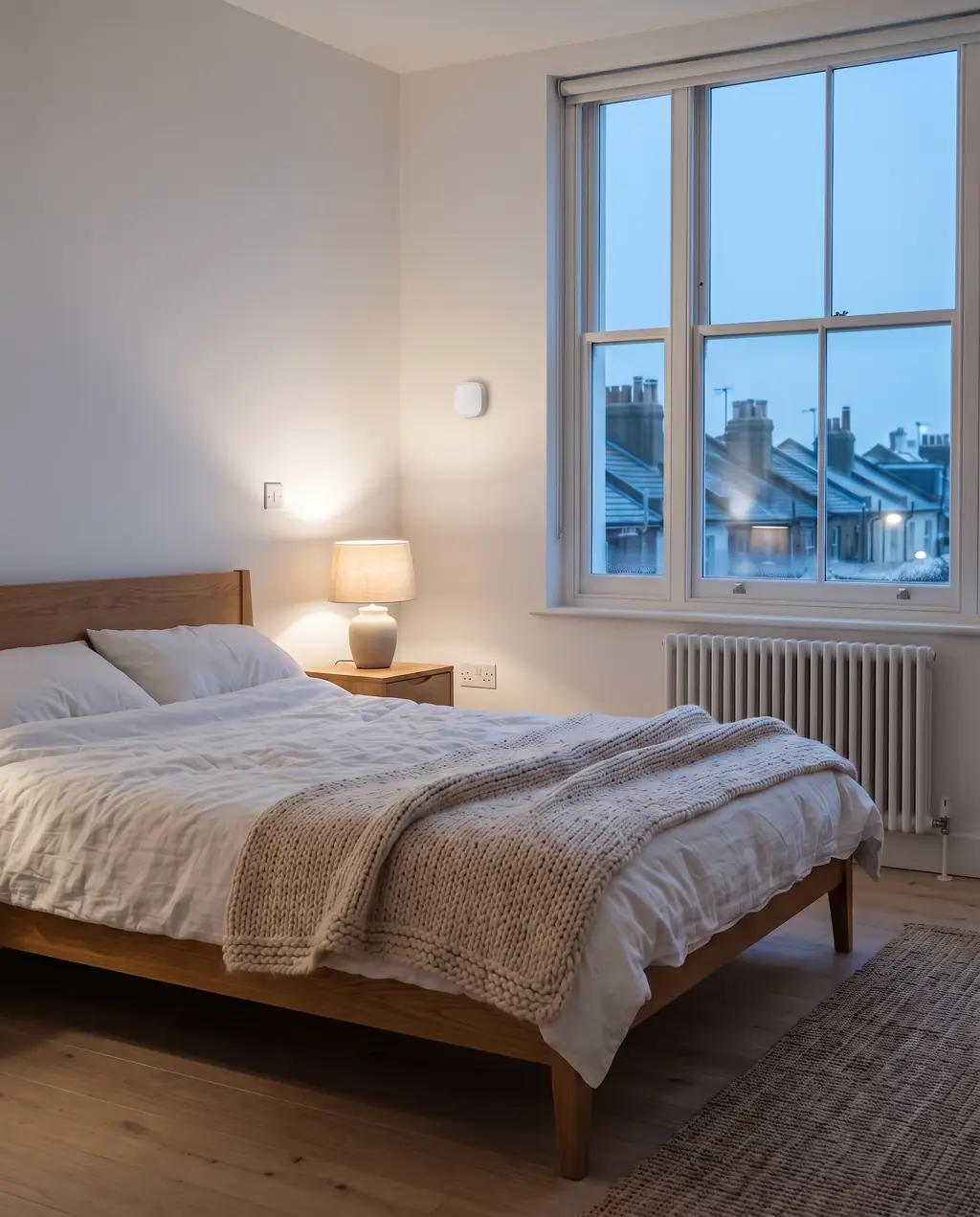
Where are you starting from?
Pick the one closest to your situation.
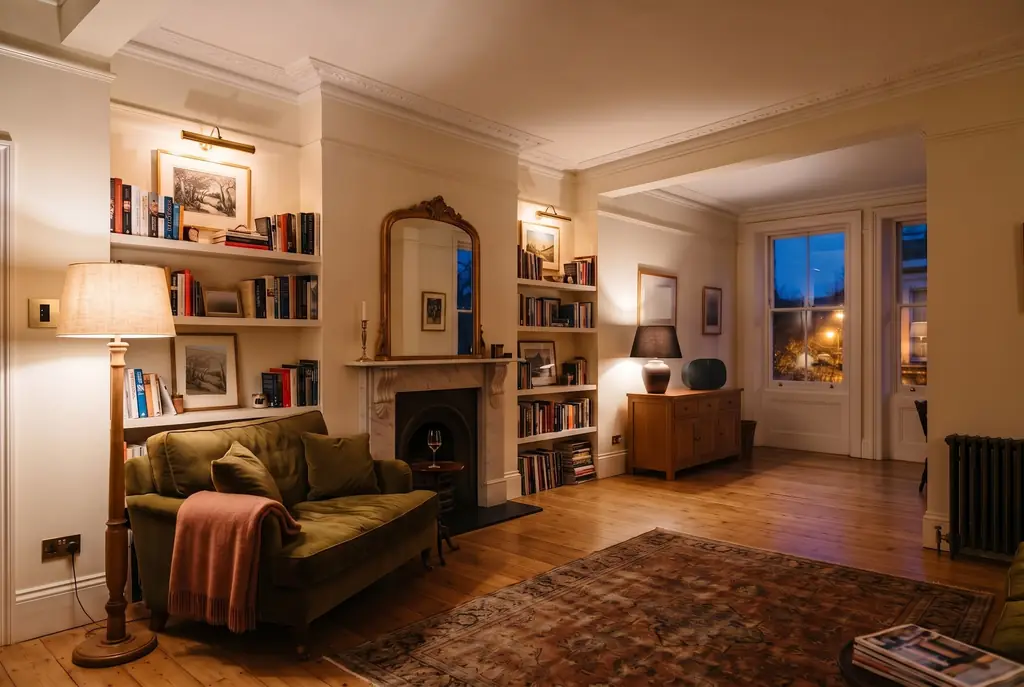
New to smart home?
Start with one room and add more later, planned so nothing goes to waste.
- Start Smart
- Secure & Protect
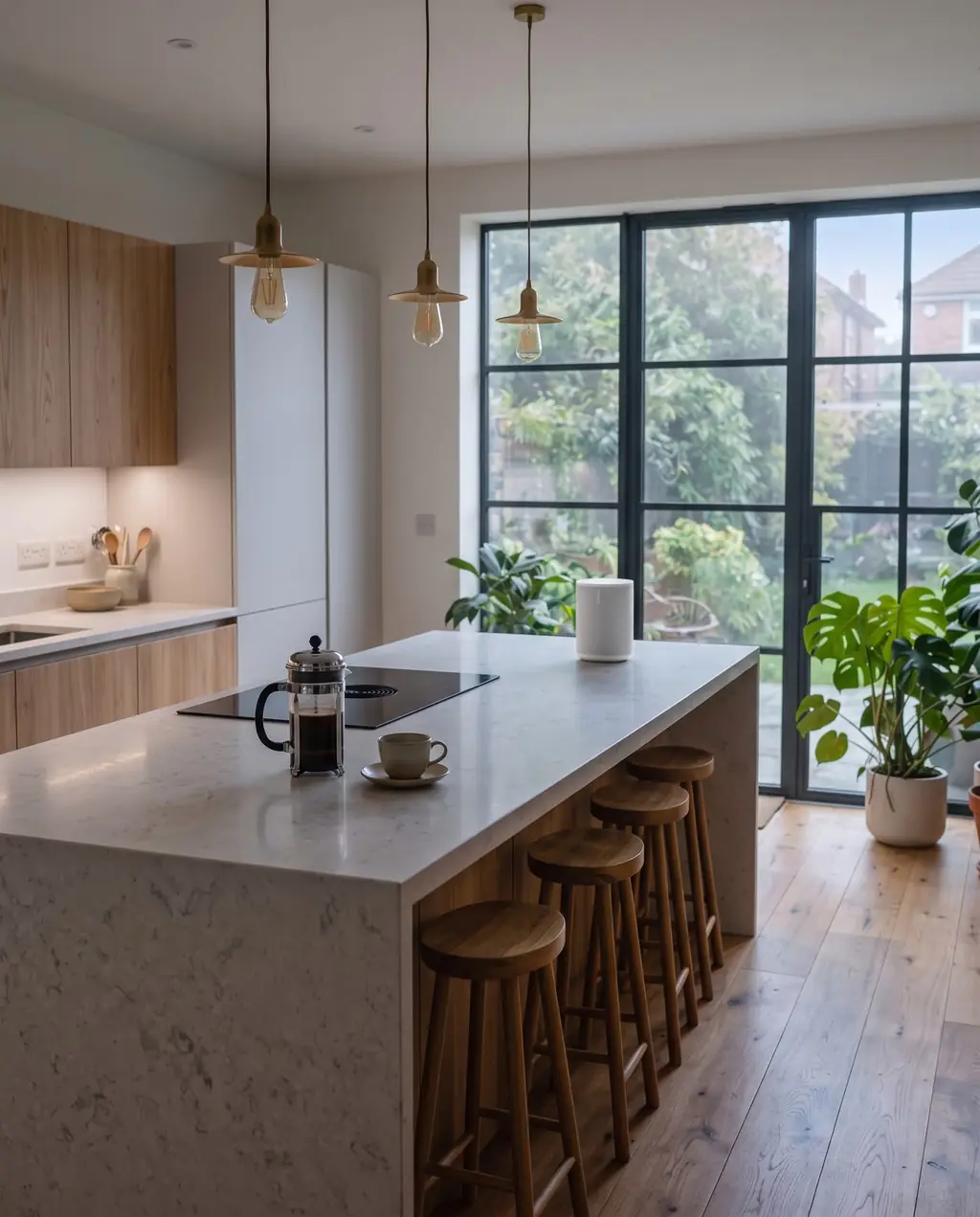
Got devices that don't work together?
We check what you have and make it work together, often without buying anything new.
- Health Check
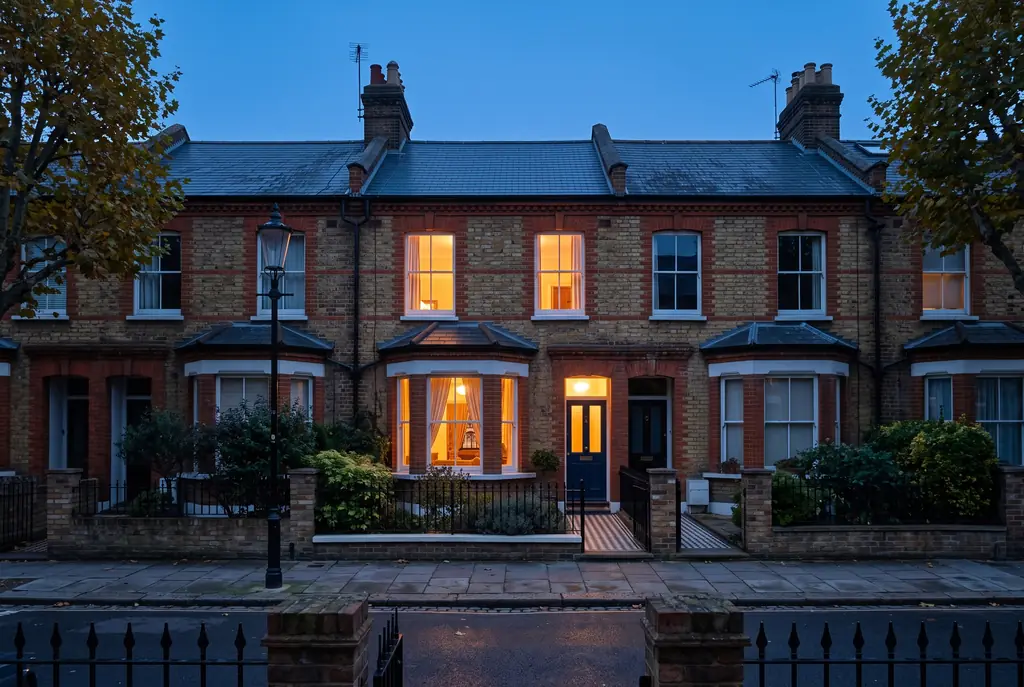
Running a holiday let or rentals?
Guest codes that expire on time, heating that drops when it's empty, and leak alerts.
- Property Ready
- Rental & Portfolio Care
Everyday routines, start to finish
Pick a routine to see which devices take part. What's possible depends on your devices, so we check before we promise.
Tuesday, 5:40pm. It's dark outside.
Welcome home
Starts when your phone arrives home, or you say "I'm home".
- LightingPorch light comes on as you reach the door
- LightingHall and kitchen lights on
- HeatingHeating up to 20°C
- BlindsLiving room blinds close
- LightingLiving room lamps on, low
No phone with you? A button by the front door runs the same routine.
Sunset, any day.
Evening
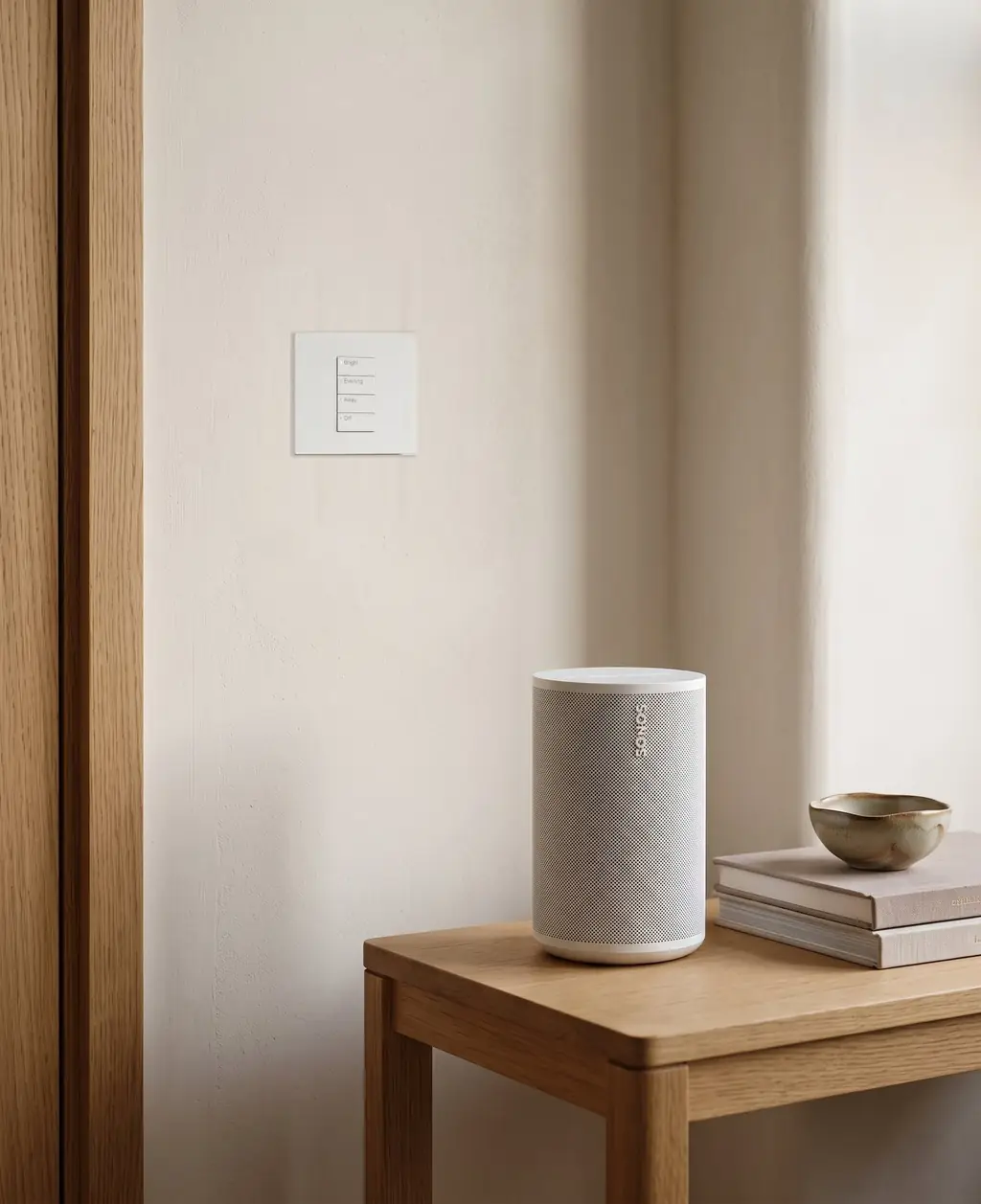
Starts when the sun sets, or someone presses Evening on the wall.
- LightingLamps warm and low, ceiling lights off
- BlindsBlinds close
- HeatingHeating holds at 20°C
- MusicMusic on, quietly
- PlugsAt 11pm, the TV and games console switch off at the plug
Every lamp still works from its own switch.
Friday, 8am. Off for the weekend.
Away
Starts when you tap Away as you leave, or the last phone leaves home.
- AccessFront door checked and locked
- HeatingHeating set back to 15°C
- CamerasOutdoor camera and doorbell alerts on
- LightingFrom dusk, lamps go on and off at varied times
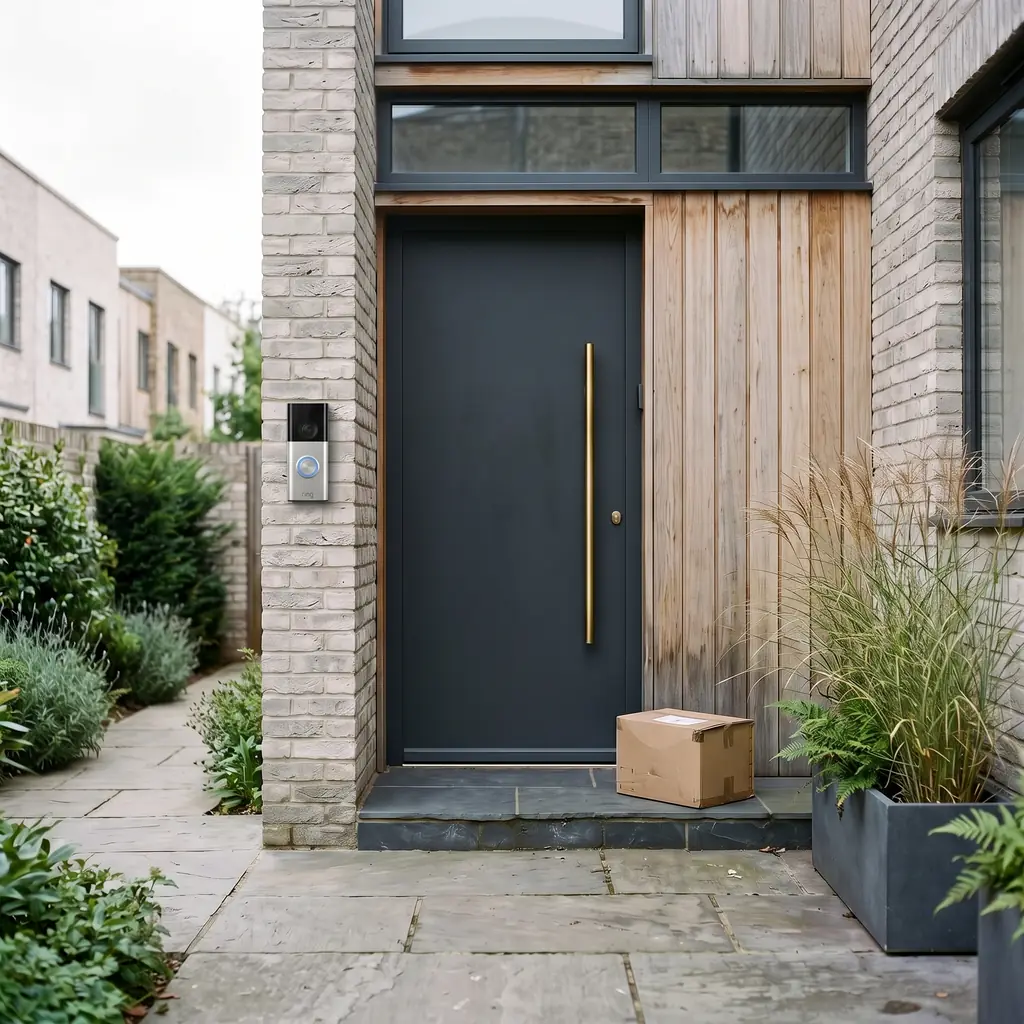
- DoorbellSaturday, 11:20am: a delivery at the door
Phone alerts need the internet. We'll tell you which parts keep running if the broadband drops.
Any night, about 11pm.
Goodnight
Starts when you say "goodnight", or press Goodnight by the bed.
- LightingLights off downstairs, the hall light dims
- AccessFront door checked and locked
- HeatingHeating down to 17°C
- MusicMusic and the TV off
- CamerasOutdoor camera alerts on
Every light keeps its switch, and the front door its key.
Wednesday, 2:04pm. Nobody's home.
Leak
Starts when the sensor under the kitchen sink detects water.
- SensorsWater detected under the kitchen sink
- WaterThe water shut-off valve closes
- AlertsYou get an alert straight away, and so does your named contact
- PlanYour plumber's number is in the alert
The valve is optional and only fitted where it's compatible. The stopcock still turns by hand.
Sunday, 10am. A holiday let.
Guest checkout
Starts when the booking ends at 10am.
- AccessThe guest's door code stops working
- HeatingHeating drops to the vacant setting, 12°C
- LightingLights left on are switched off
- AccessThe cleaner's code works from 11am to 3pm
- SensorsLeak sensors and doors checked
If the lock's batteries run low or the Wi-Fi drops, there's a key safe as a backup.
Times, temperatures and names are examples. What your home can do depends on your devices, and we check it before we promise it.
Services
Each service starts with a clear scope, and you get a fixed quote before any work begins.
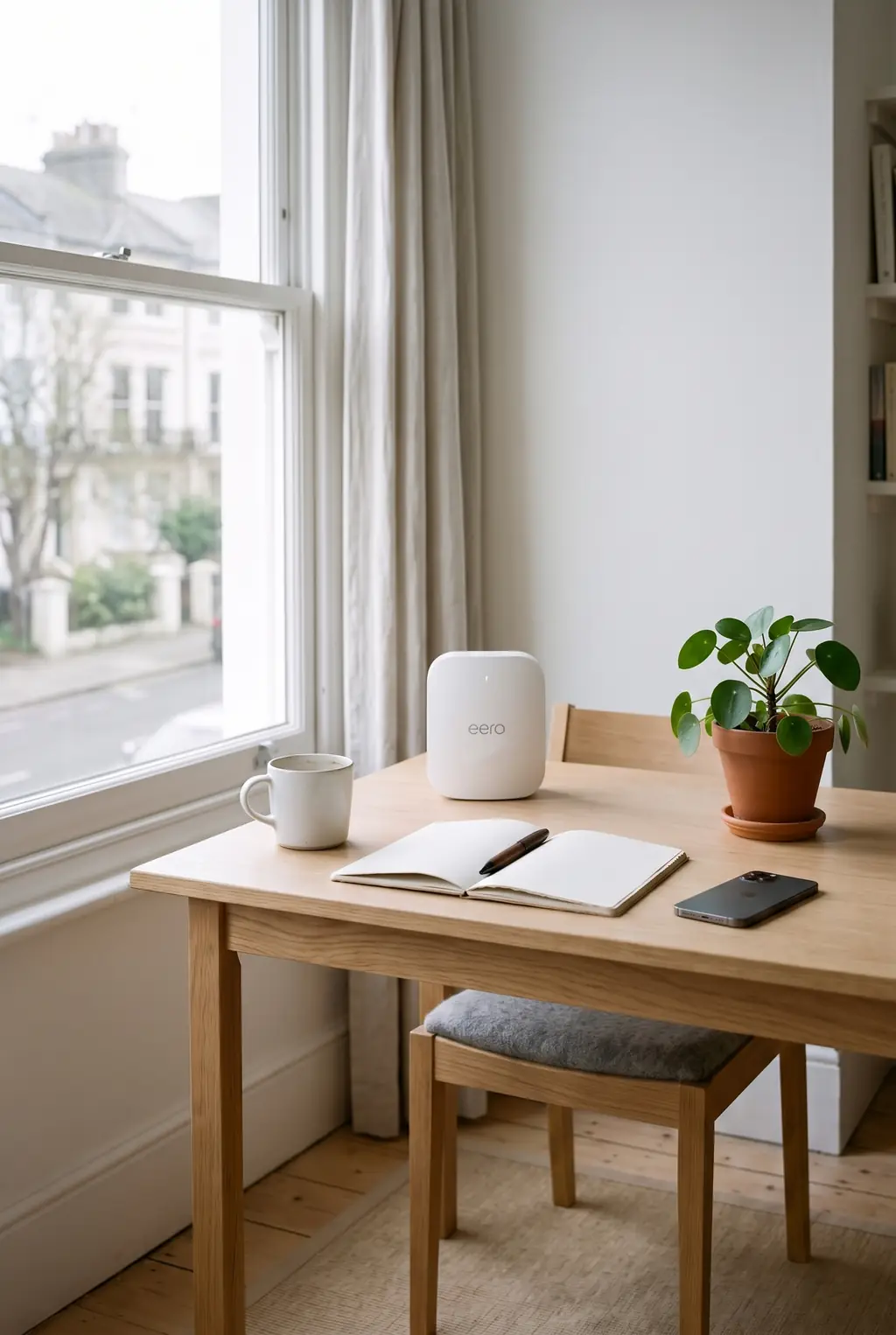
Smart Home Health Check
Get more out of the technology you already own.
- A full check
- Quick fixes on the day
- A plan and a fixed quote
- Joining it all up
Start Smart One room, then more
Start with one room. Build from there.
- One room to start
- Heating, blinds and music next
- Controls for everyone
- A plan for each stage
Property Ready Holiday lets
Ready for every guest. Easier for every host.
- Codes for each stay
- Check-in and checkout
- Cleaner access
- Alerts for the host
More services
Secure & Protect
Leave home without the list of things to check.
See what's included Holiday lets and rentalsRental & Portfolio Care
Less chasing, fewer callouts, more visibility.
See what's includedNot sure which?
Tell us what you'd like your home to do. We'll recommend the right setup.
Keep the controls you love.
We plan and connect compatible devices around them, so lighting, heating, blinds, security and your everyday routines work together as smoothly as possible.
We check before we promise.
Model, region, firmware, hub, and whether the exact thing you want is supported.
Standards have limits.
Matter, Thread and Zigbee help devices work together. A device that supports Matter can still lose features in some apps, so we check the ones you need.
There's always a manual way.
Lights, locks and heating keep a switch, key or dial for when the internet or a battery fails.
One routine, four ways to start it
- "Hey Siri, goodnight"Apple Home
- "Hey Google, goodnight"Google Home
- "Alexa, goodnight"Alexa
- The Goodnight buttonBy the bed
Goodnight
- Lights off downstairs
- Front door checked and locked
- Heating down to 17°C
- Outdoor camera alerts on
Start with one room. Build over time.
We plan the later stages at the start, so what you buy now still fits.
-
Stage 1
One room
Smart bulbs, plugs and a sensor or two, with two to four routines. No rewiring.
- Smart bulbs
- Smart plugs
- Motion sensor
- Voice or app control
Good for Renters, first-timers and anyone trying it out
-
Stage 2
More rooms, more control
Add blinds, heating zones, a smart lock and more rooms, one stage at a time.
- Motorised blinds
- Heating zones
- Smart lock
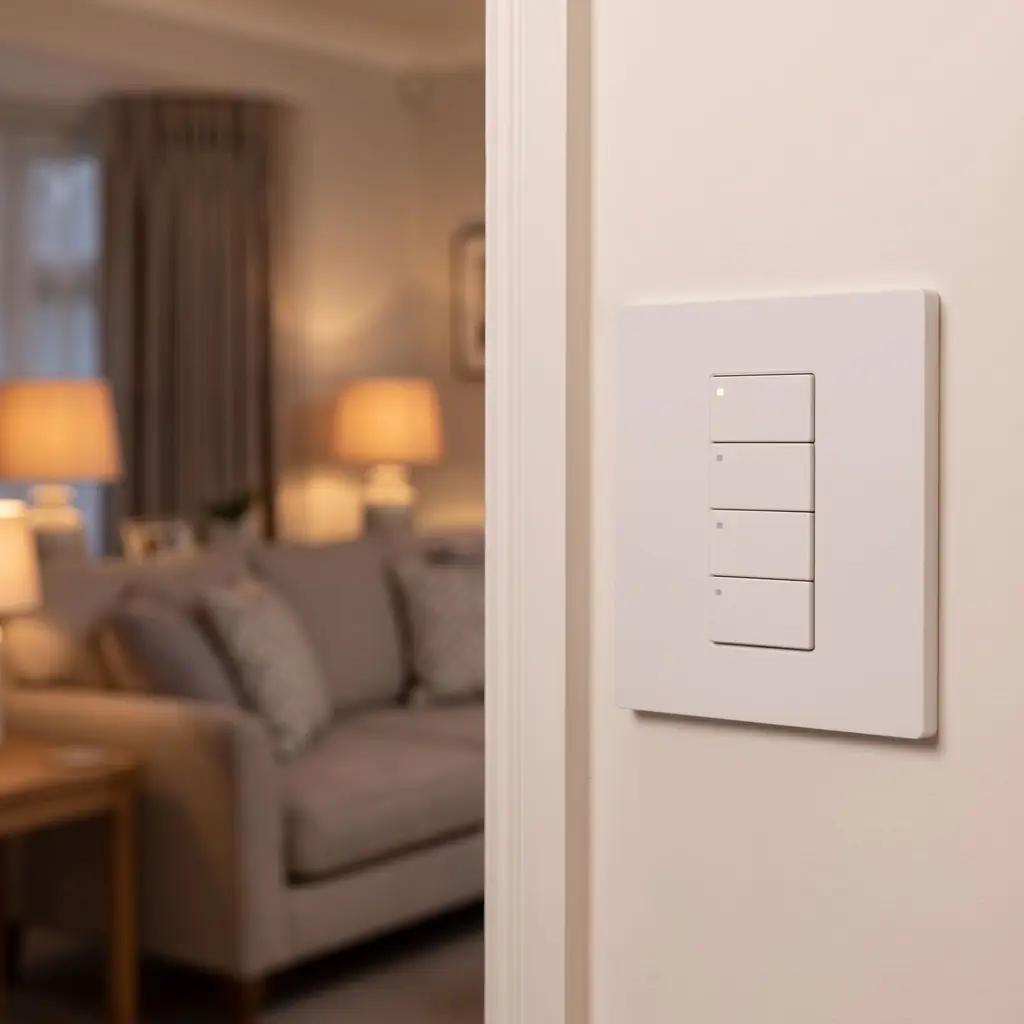
- Scene switches
Good for Most homes, at your own pace
-
Stage 3
Wired and built in
Wall keypads, dimmed lighting circuits and built-in speakers. Best done during a renovation or rewire.
- Wall keypads
- Dimmed circuits
- Built-in speakers
- Wired network
Good for Renovations, extensions and new builds
Before and after
Examples of common problems and what we'd set up.
BeforeThree apps to switch everything off at night.
AfterOne Goodnight button by the bed, and the same phrase works with Alexa.
Smart Home Health CheckBeforeA guest locked out at 10pm, two hours' drive away.
AfterA new door code sent from your phone, with a key safe as the backup.
Property ReadyHow we work
We check before we promise.
If a feature isn't supported on your kit, you hear it from us first.
There's always a manual way.
Lights, locks and heating keep a switch, key or dial.
You own it.
Accounts in your name, and admin access handed over.