You can run your home from Apple Home, with Siri, or from Alexa. We set up Apple Home by default because it runs automations on a hub in your home, and works well if your household uses iPhones. Alexa is a good choice if you already have Echo speakers or use Android.
What each one needs
Apple Home needs a home hub: a HomePod mini, a HomePod or a current Apple TV 4K. Since February 2026 an iPad can no longer act as the hub, and Apple's latest update has dropped the oldest Apple TV models. Alexa needs an Echo speaker or display as its hub. We include the hub and its set-up in every installation.
Kit that works with both
- Lighting: Lutron RadioRA 3 links natively to Apple Home and to Alexa.
- Heating: tado X joins both through Matter, the shared smart home standard.
- Doorbells, cameras and sensors: Aqara works with both through its own hub.
- Music: Sonos speakers play through AirPlay in Apple Home and have Alexa built in.
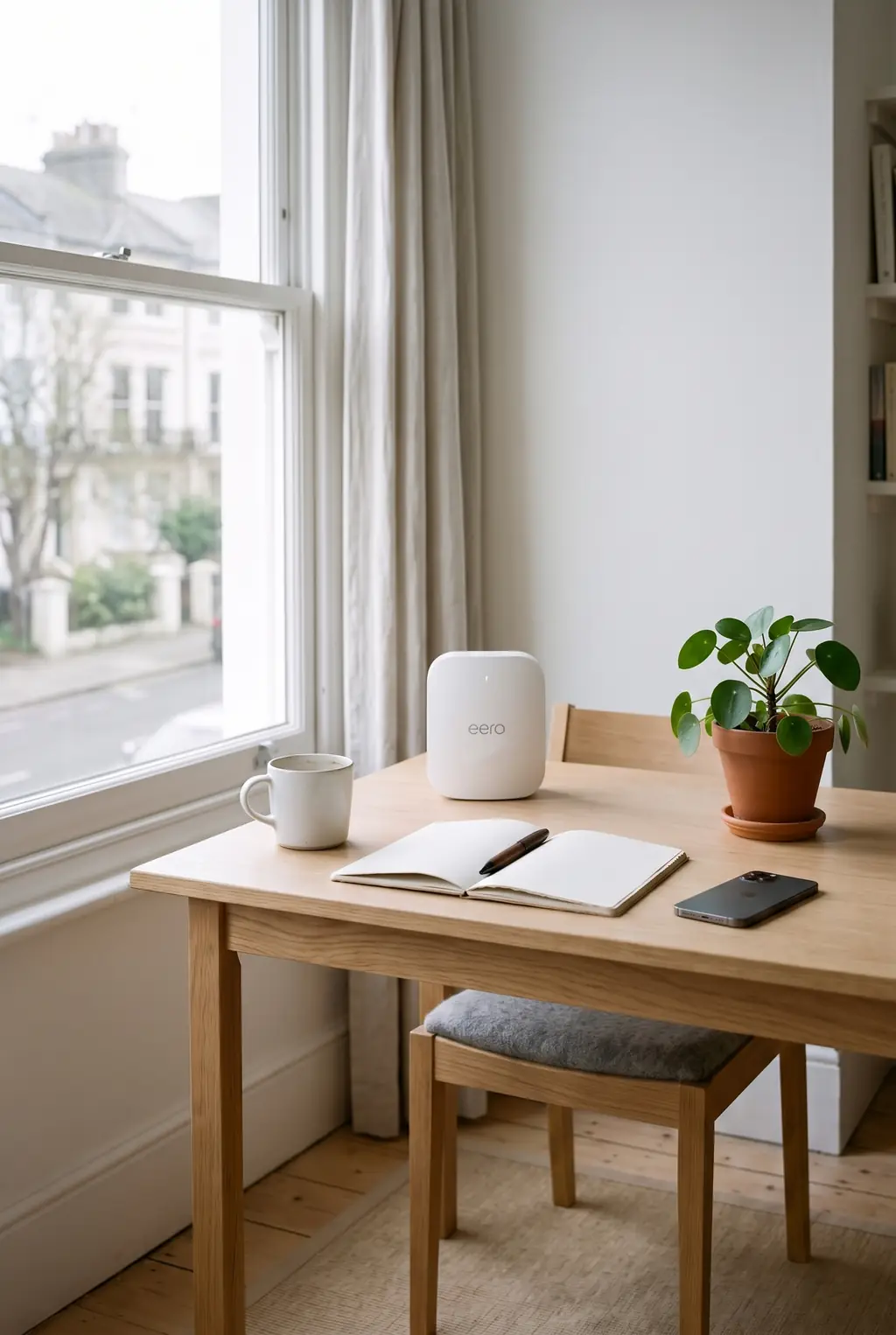
- Wi-Fi: eero works for both, and can act as an Alexa hub.
Where the gaps are
- Lighting scenes stay in the Lutron app. We rebuild the important ones in Apple Home so Siri can run them.
- tado's heating appears in Apple Home, but hot water schedules stay in the tado app.
- Sonos speakers don't have Siri on the speaker itself. You ask Siri on your iPhone to play to them.
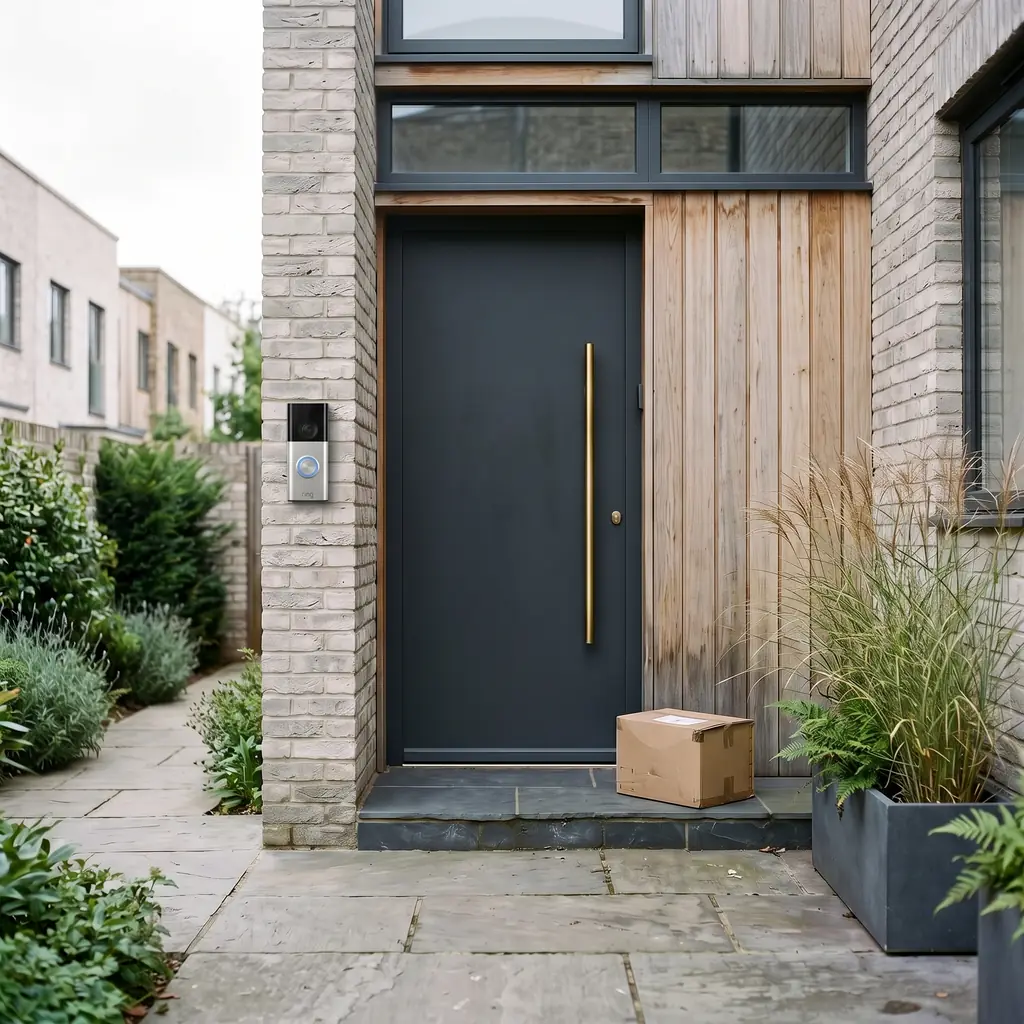
- Some popular doorbells, Ring among them, don't work with Apple Home without extra software on an always-on computer. We fit doorbells that work with both.
- Devices shared from Apple Home to Alexa arrive without their names and rooms, so they need tidying in the Alexa app.
If you're not sure which suits your household, tell us who lives there and which phones you use. We'll recommend one, and the equipment usually stays the same either way.